/Authentication vs Authorization
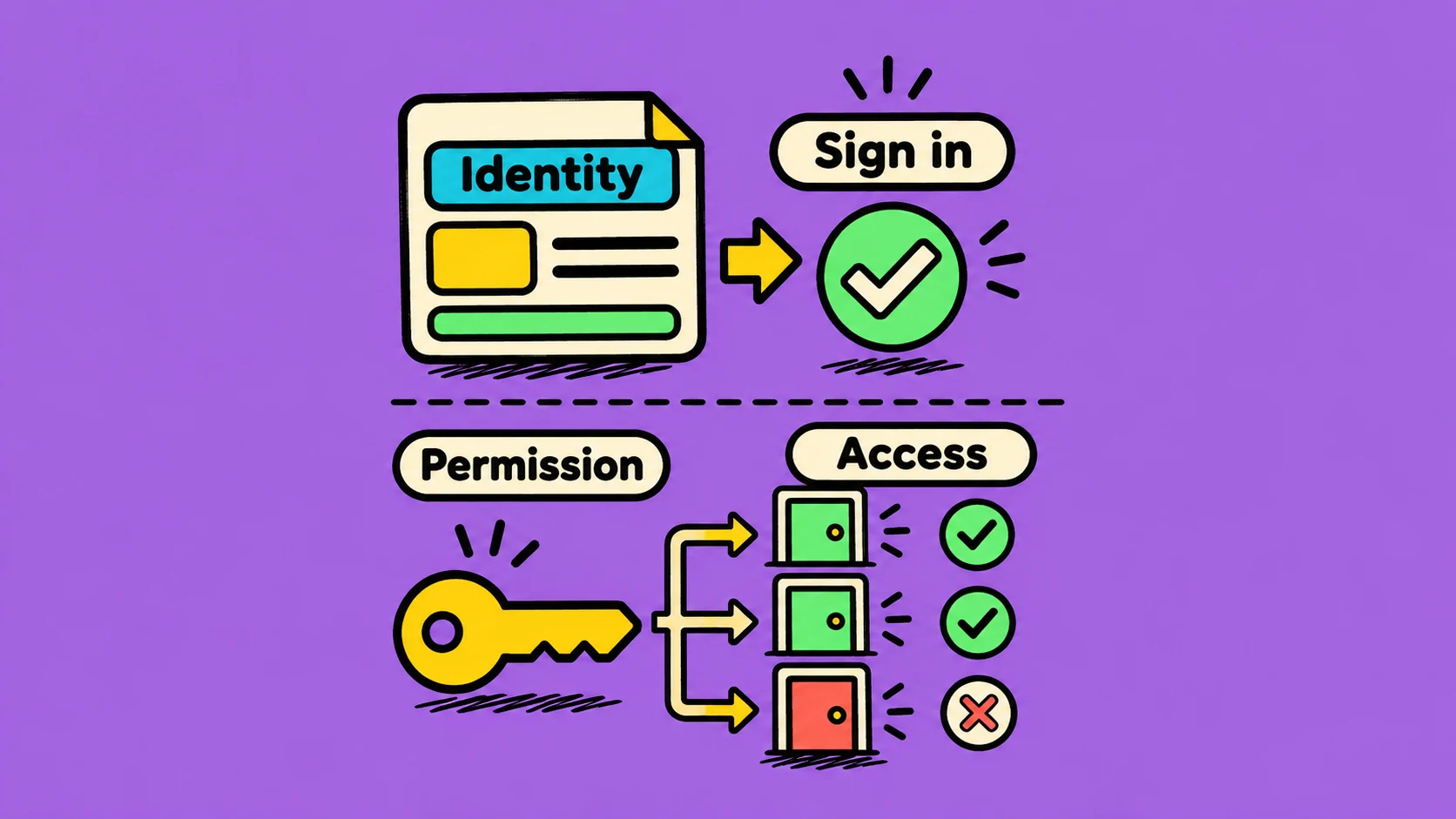
Imagine entering an office. First, a guard checks your identity card. After that, the card decides which rooms you may enter. Websites follow a similar two-step idea.
Authentication: who are you?
Authentication checks a person or service’s identity. Logging in with a password, a passkey, or a one-time code is an authentication step. When it succeeds, the app knows which account is making a request.
Authorization: what may you do?
Authorization checks permission. A signed-in customer may view their own orders. A store manager may also update products. Both users are authenticated, but their permissions are different.
Example: your library card proves that you are a library member. It does not let you enter the staff-only room. Identity and permission answer different questions.
Why the difference matters
An app should check permission every time someone tries to access protected information or perform an important action. Hiding an admin button is not enough; the server must also refuse an unauthorized request.
Developers often see different HTTP responses for these cases. A 401 usually means the request needs valid authentication. A 403 usually means the identity is known but does not have permission.
In short: authentication identifies the account, and authorization protects what that account can reach.