/Git: How Developers Track Code Changes
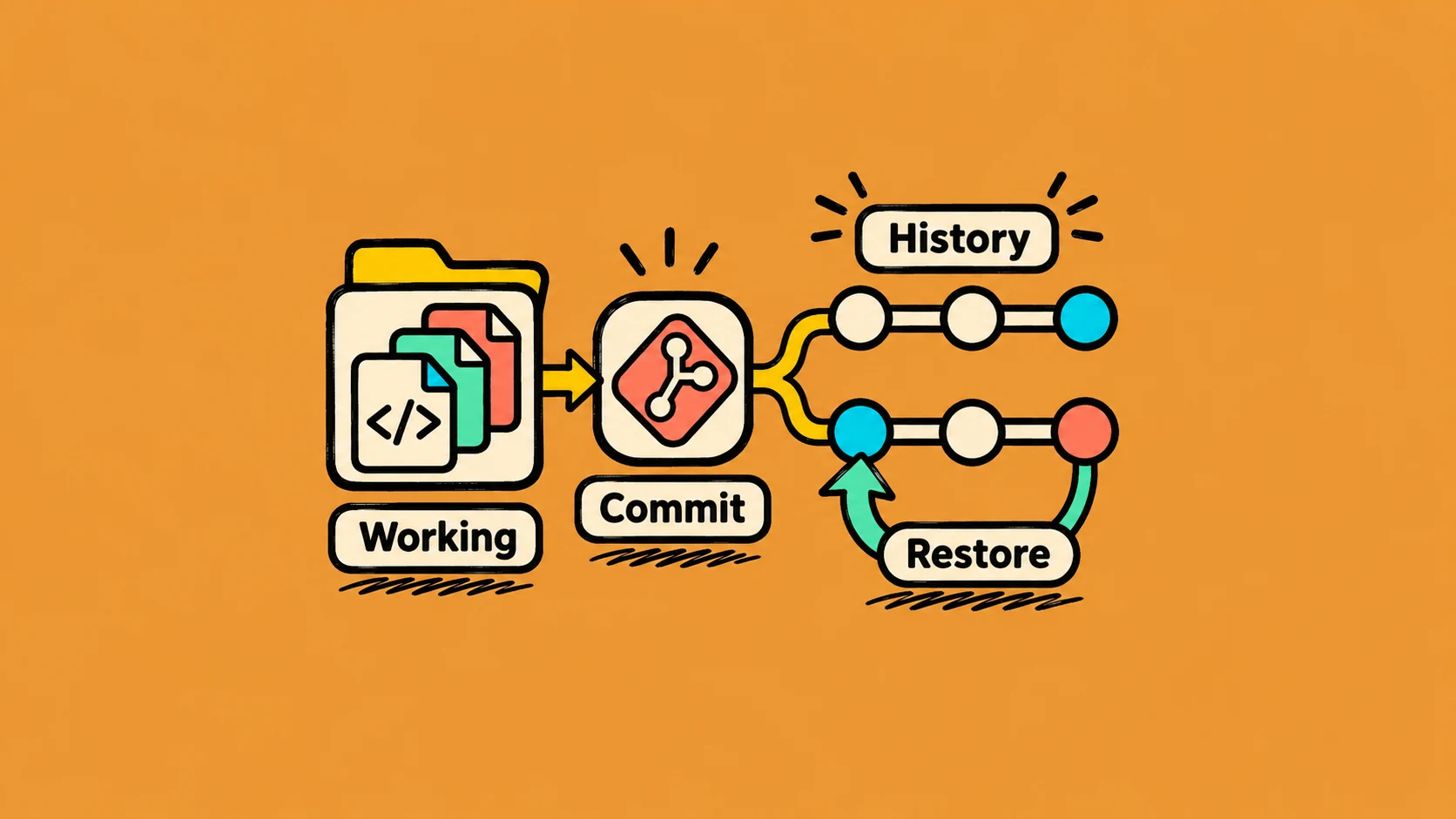
Think of a school assignment with saved drafts. If every draft has a clear name, you can see what changed and return to an earlier version. Git gives developers a reliable way to do this with code.
A project history made of commits
A commit is a saved point in the project history. It includes a set of changes and a short message that explains them. For example, one commit might say, “Add a search box.”
git status
git add src/SearchBox.vue
git commit -m "Add project search"
git status shows what changed. git add selects changes for the next commit. git commit saves that selected version in the local history.
Branches let you work safely
A branch is a separate line of work. You can build a feature on a branch while the main version stays steady. When the feature is ready, you can review and combine the changes.
Example: imagine writing a report. You save the current draft, make a copy to try a new introduction, and keep the original safe. A Git branch gives you a similar place to experiment.
Git and GitHub are different
Git is the tool that records changes. GitHub is one service where a team can store and review a shared Git project online. Git can also be used without GitHub.
Git does not decide whether a change is good. It gives the team a clear history, so people can understand what changed and why.