/How a Browser Turns HTML, CSS, and JavaScript into a Page
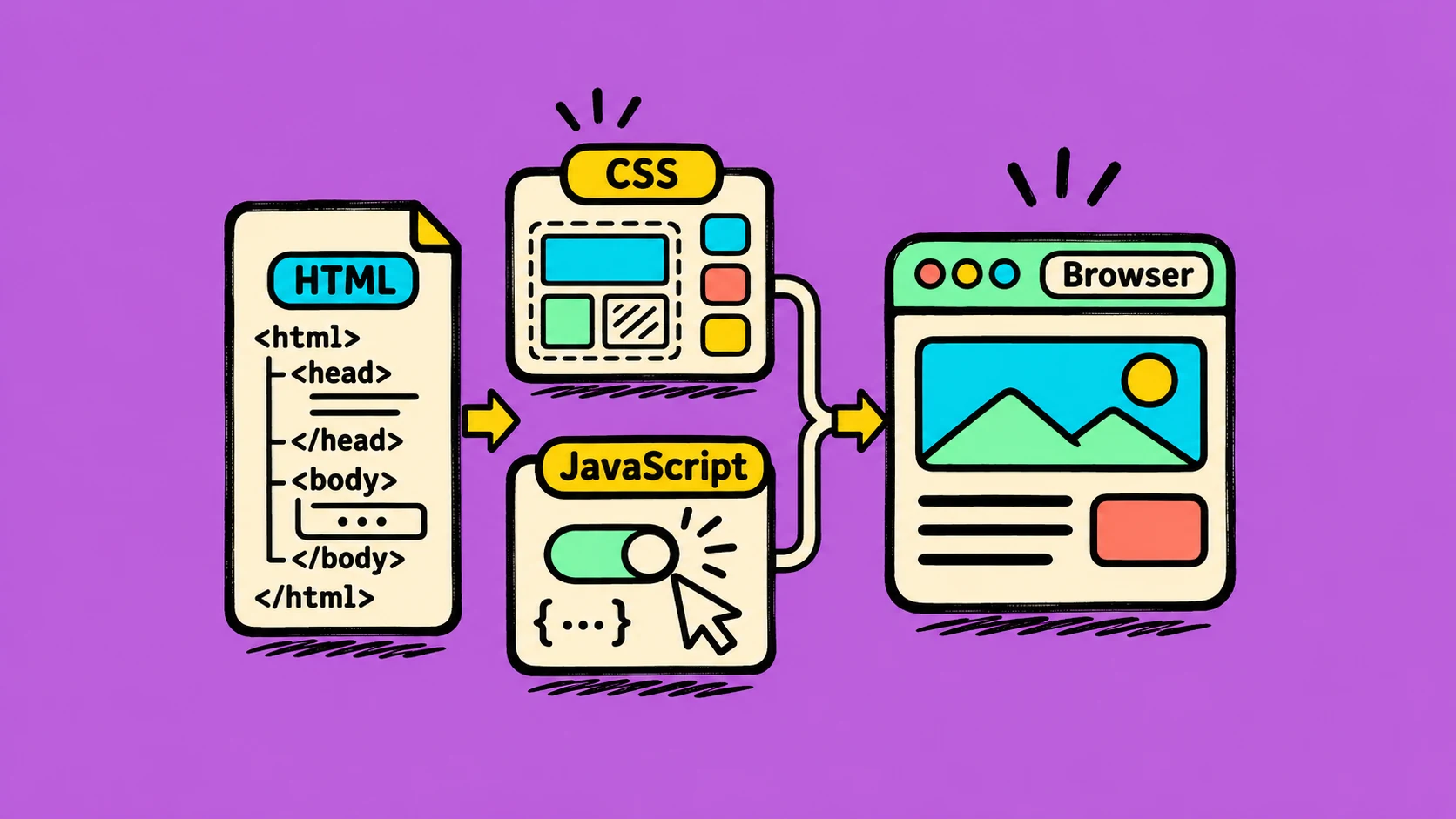
A browser does more than display a file. It reads the page structure, works out the style, and draws the result on your screen.
HTML describes the content
HTML tells the browser which parts are headings, links, images, or paragraphs. The browser reads this structure and builds a tree of page elements called the DOM.
CSS describes how it should look
CSS adds colors, sizes, spacing, and layout rules. The browser combines these rules with the HTML to work out how each element should look and where it belongs.
JavaScript can change the page
JavaScript can respond to a click, update a price, or show a menu. When it changes the page, the browser may need to calculate the layout and draw some parts again.
Example: think of a printed recipe card. HTML is the words and sections, CSS is the page design, and JavaScript is a small helper that changes the recipe when you choose a different serving size.
The browser then calculates positions, paints colors and text, and places the final pixels on the screen. Browsers optimize these steps, so the exact work can vary from page to page.
Keeping the page structure clear and avoiding unnecessary changes can help make a site easier to maintain and feel faster to use.