/What Happens When You Type a Website Address?
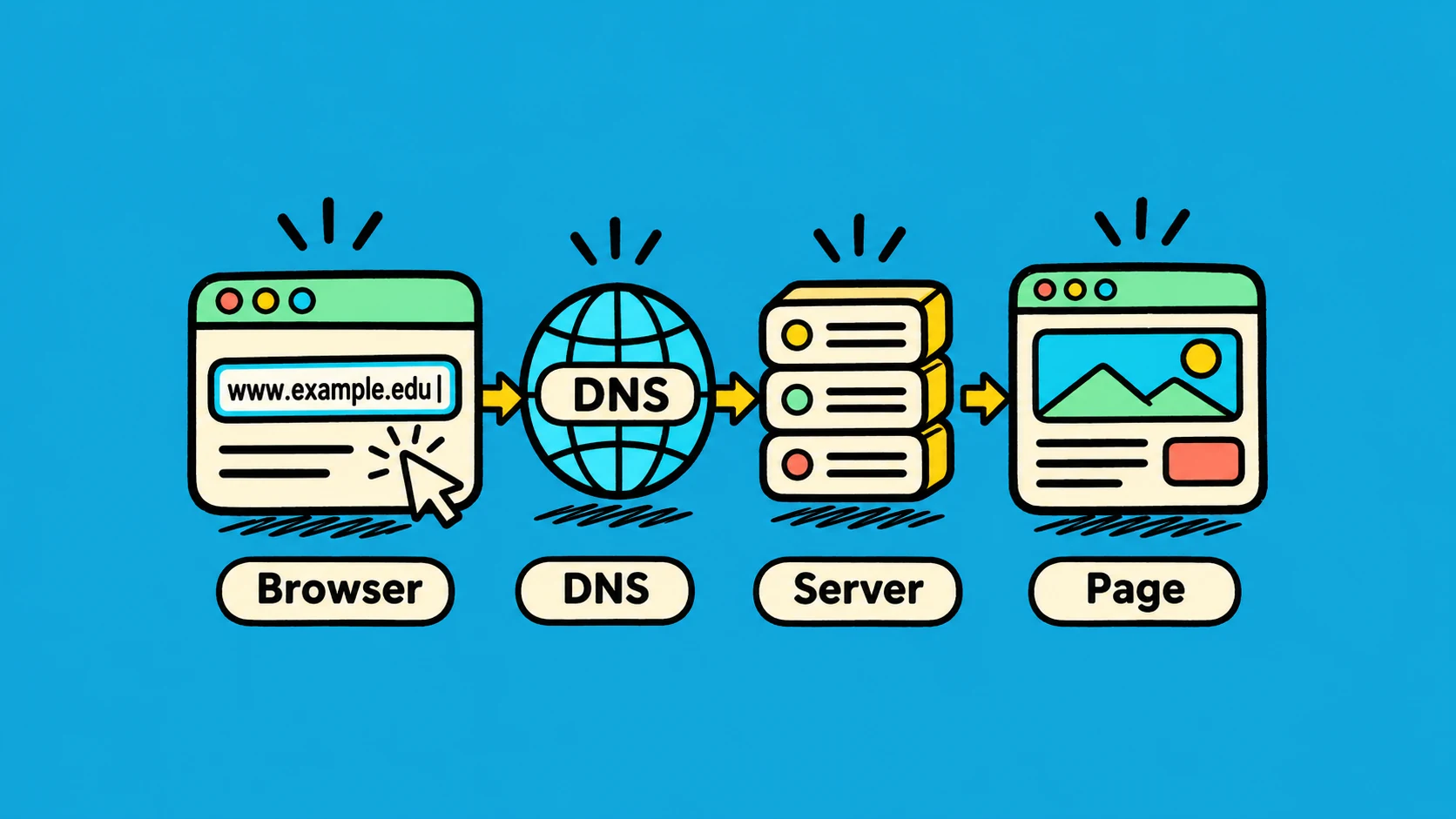
You type example.com in your browser and press Enter. A moment later, the page appears. Several small steps happen in between.
1. The browser finds the server
A website name is easy for people to remember, but computers send data to network addresses. The browser asks DNS to find the address for example.com. DNS works like a contact list: it matches a name with an address.
2. The browser asks for the page
The browser connects to the server. If the address starts with HTTPS, the connection is also protected with encryption. Then the browser sends a request that is a little like asking, “Please send me the home page.”
3. The server sends files back
The server replies with HTML and may also send CSS, JavaScript, images, and other data. HTML describes the page content, CSS controls its look, and JavaScript can make it respond to actions.
4. The browser builds the page
The browser reads those files, works out where each part belongs, paints the pixels, and shows the result. It may keep some files for later so the next visit is faster.
Example: opening a news site is like finding a shop by its name, asking for today’s newspaper, and arranging the pages on a desk. DNS finds the address, the server sends the files, and the browser puts the page together.
This is a simplified view. Browsers can reuse connections and load many files at the same time, but the basic idea is still a request followed by a response.