Project Overview
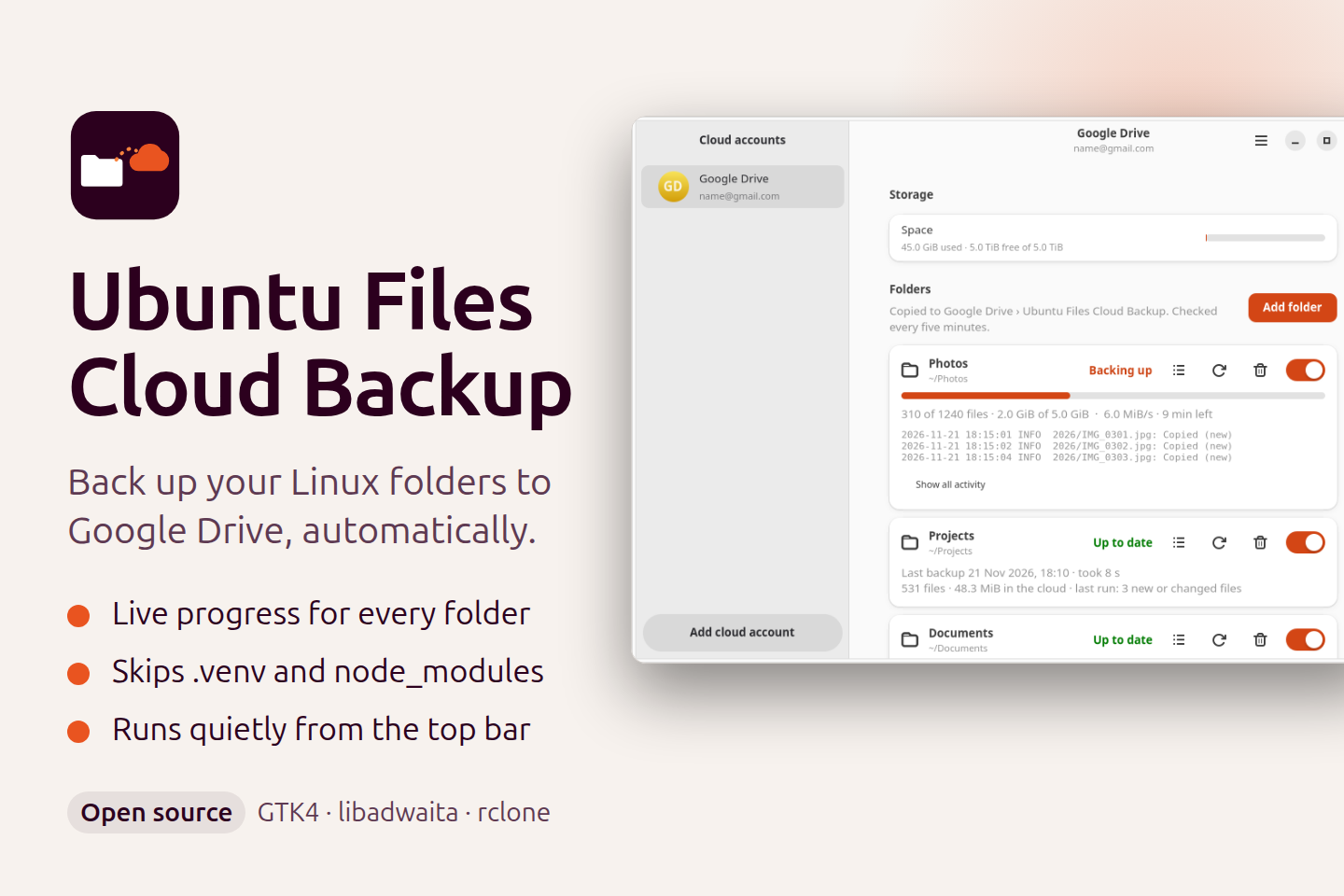
Ubuntu Files Cloud Backup is a desktop app for Ubuntu and other GNOME systems that copies the folders you choose to Google Drive, in the background. I built it because I wanted a simple, safe backup that I could set up once and forget, without a heavy sync client.
It is a one-way copy. New and changed files go up to your cloud, and nothing is ever deleted there, even if you delete the file on your computer. A mistake on your laptop cannot wipe your backup.
Key Features
- Live progress for every folder: each folder has its own card with a progress bar, speed, time left, the last backup time and a short activity log.
- Starts right away: add a folder and the first backup begins with no extra confirmation step.
- Smart skip list: before the first upload, the app scans the folder and offers to skip .venv, node_modules, __pycache__ and items listed in .gitignore, including ones nested deep inside. You tick what to skip, and matching folders created later are skipped too.
- Runs in the background: a systemd timer checks for changes every five minutes, and a top bar icon shows the status and lets you open the window or back up now.
- Private by design: sign-in uses OAuth with the drive.file permission, so the app can only see the files it created in its own Drive folder. Settings and tokens are stored with private file permissions.
- Made for more clouds: the interface is built around cloud accounts, so OneDrive and Dropbox can be added next.
Screenshots
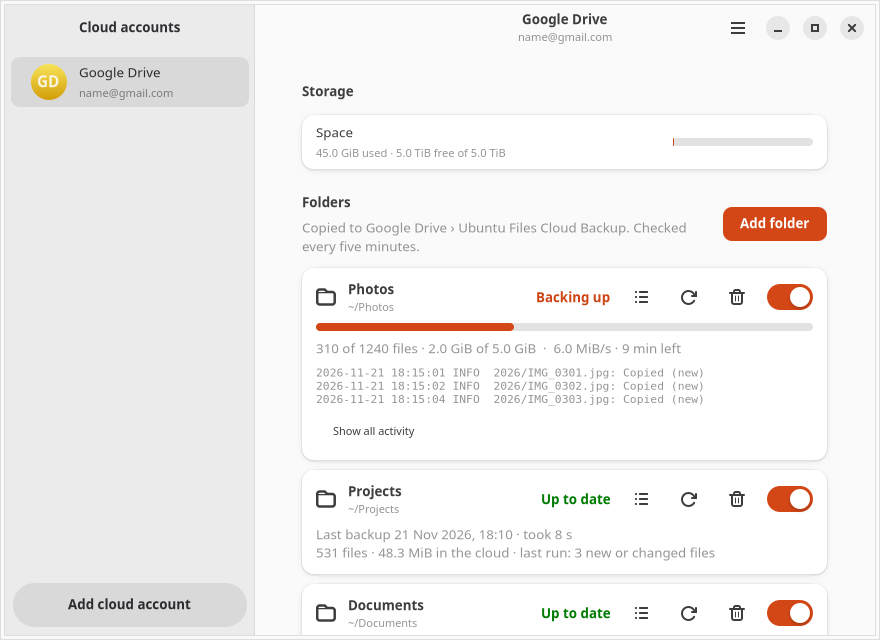
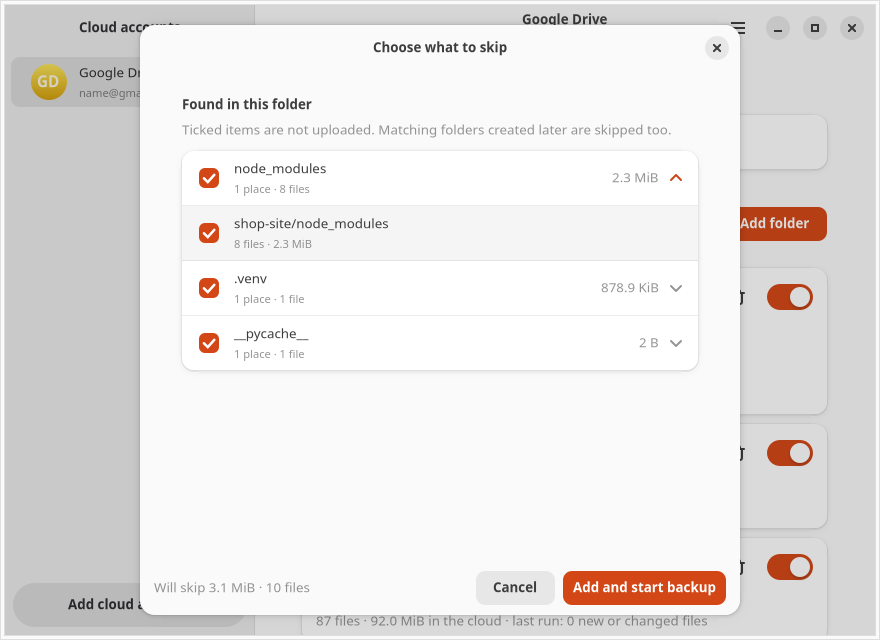
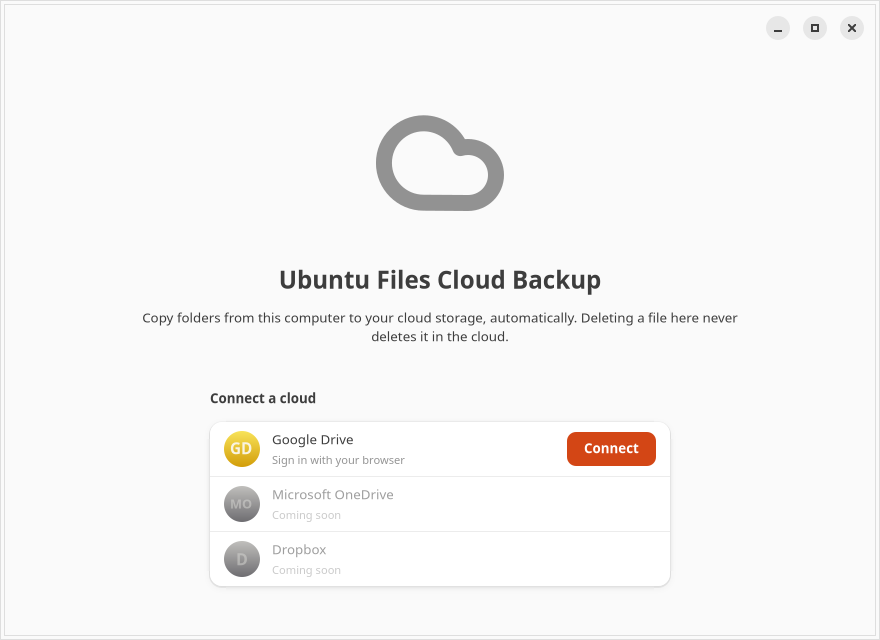
The screenshots use sample folders and a sample account.
How It Works
The window is written in Python with GTK 4 and libadwaita, so it looks like a native GNOME app. The transfer itself is done by rclone, which copies files without deleting anything. A small tray process (GTK 3 with AppIndicator) keeps the top bar icon, and a systemd user timer runs the checks, so backups continue even when the window is closed.
Install and Source
Version 1.0.0 is released as a .deb package for Ubuntu and Debian, under the MIT license. Every new version tag builds the package and publishes a release automatically with GitHub Actions.
Download the .deb from the latest release or browse the source code on GitHub.